Whose room is it?
A room can look wonderful and tell us very little about the person who lives there. Before asking a model to make it, we need to know whose room it is, what happened just before the scene and where we want the audience to look. Those decisions affect everything from the light to the objects at the edge of the frame. Skip them, and it's easy to spend a day generating pictures without getting any closer to the scene.
Imagine a character coming home and realizing someone has been there. A chair has moved. Something is missing from a shelf. Or perhaps we notice nothing until her gaze stops. Each version asks for a different shot and gives the audience a different relationship to the discovery. AI can help us try those possibilities while they're still easy to change. First, though, we need to decide what we're trying to find out.
Be specific about the reference
When we bring a reference into the conversation, it helps to say what we're taking from it. The light through the window? The distance between two people? The doorway held at the edge of the frame? We might borrow the lighting from one image and the layout from another. Naming those choices gives everyone something to respond to. 'Keep the doorway visible' is a note the team can use. 'Make it more cinematic' can send five people in five directions.
Adobe's Firefly documentation describes using a video reference to guide composition, including edges and depth, alongside a written prompt. That gives us a way to show the tool a structure we want to explore. Once the result arrives, we still have to look at it in relation to our scene: does this framing let the moment play the way we intended?Adobe: using video as a composition reference
Try a few directions, then cut them together
Three distinct approaches can give us plenty to discuss: a distant view, a close view that puts us beside the character, and a frame that hides something important. Keep the person, room and action reasonably consistent so we can see what the change in viewpoint does. If every version also changes the setting, colour and performance, it becomes hard to tell which choice made the difference.
As soon as a few frames feel promising, put them into a rough edit. We may discover that the reveal comes too early, the reaction needs another beat or the next shot tells us something we already know. A simple animatic, with stills held for roughly the intended duration, can make those problems visible. There's little reason to polish every frame before finding out whether the scene works.
Say what the team is looking at
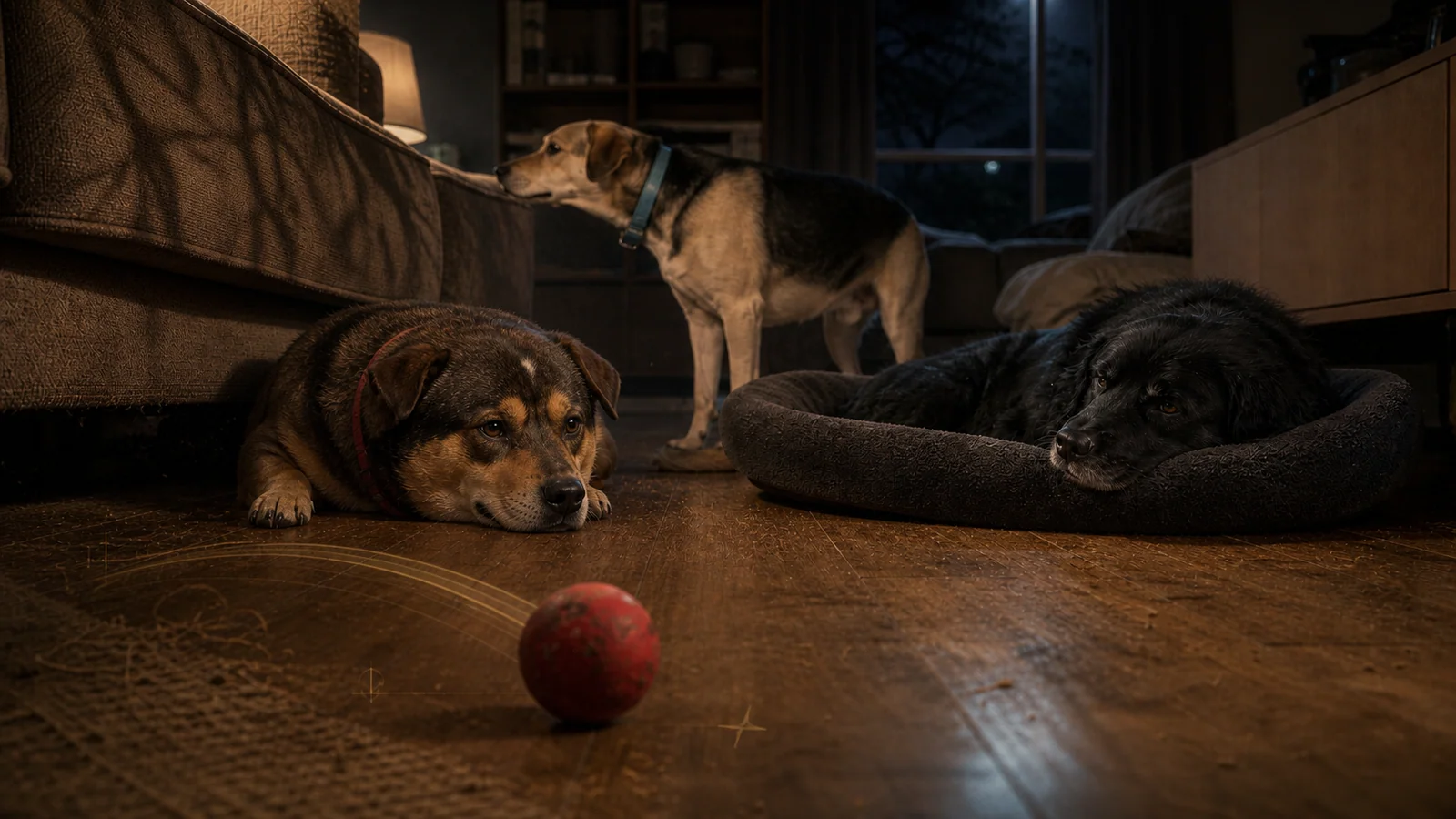
A still that proposes a look, a camera move added to that still and a shot with generated action need different kinds of feedback. Label them clearly when presenting work to a crew or client. It saves everyone from approving something they haven't actually seen. The three dogs alongside this article are an AI-generated development image: a way of exploring characters and their world, not a photograph from a set.
Keep the chosen version with its references and a short note about the decision. Record where the materials came from and which uses have been cleared. Content Credentials can help document origin and editing history in a way that makes later tampering detectable. The C2PA explainer is clear about the limit: that history doesn't establish that an event shown in the image really happened. It gives us more information to check.C2PA: Content Credentials explainer, version 2.2
What happens after the meeting?
The team may only need a chosen direction, a short sequence, two rejected options with a note explaining why, and a few open questions. The cinematographer needs to know where our attention belongs. Art needs to know which details must carry through. Production needs to know what has been settled and what might still change. A small set of images can do all of that if the choices are clear.
If another hundred images bring us back to the same argument, it may be time to close the tool and return to the scene. What are we revealing? What should the audience still be wondering? How long do we stay with this person? Generating images can help us look for answers. At some point we have to choose one and see what it does to the film.
Sources & further reading
These are the original sources used in the essay. Tools and their terms change, so check the current documentation before starting work. The suggestions here offer ways to approach a film; they don't guarantee a particular result.